
Seira stickers for WhatsApp
24 free stickers of Seira for your chats. Download the pack, then add it to WhatsApp.
Captions are in Indonesian, with the English meaning under each sticker. Select a sticker to download it alone.
 Hi!, download PNG
 On it!, download PNG
 OK, download PNG
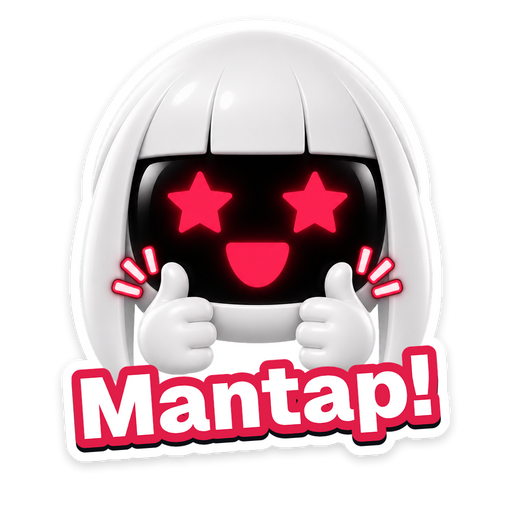
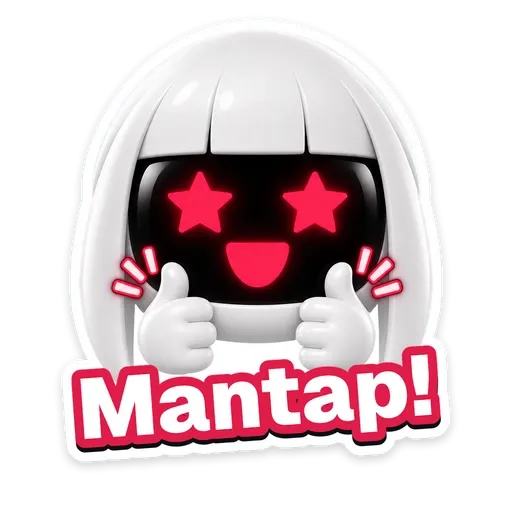 Awesome!, download PNG
 Thanks!, download PNG
 LOL, download PNG
 On my way!, download PNG
 Working, download PNG
 Done!, download PNG
 Hmm..., download PNG
 What?!, download PNG
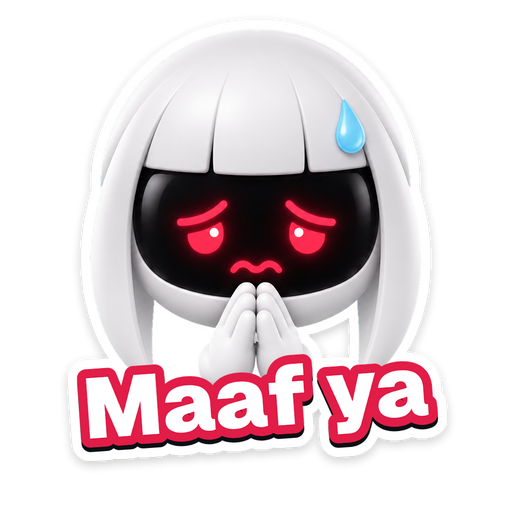
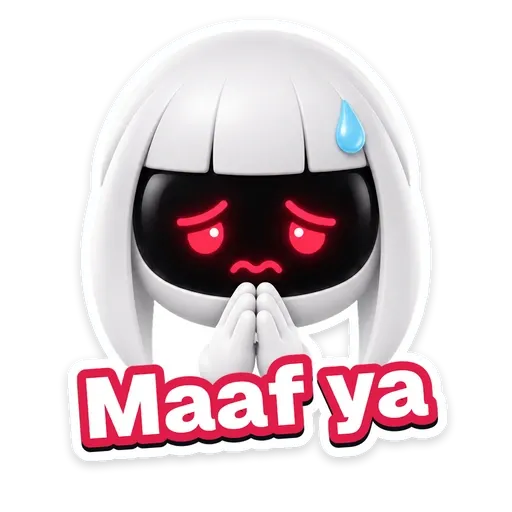 Sorry, download PNG
 You got this!, download PNG
 Love you!, download PNG
 Sleepy..., download PNG
 Coffee first, download PNG
 Hungry..., download PNG
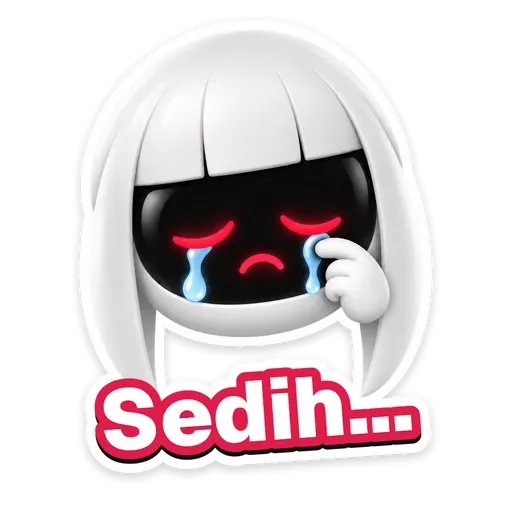 Sad..., download PNG
 Grr!, download PNG
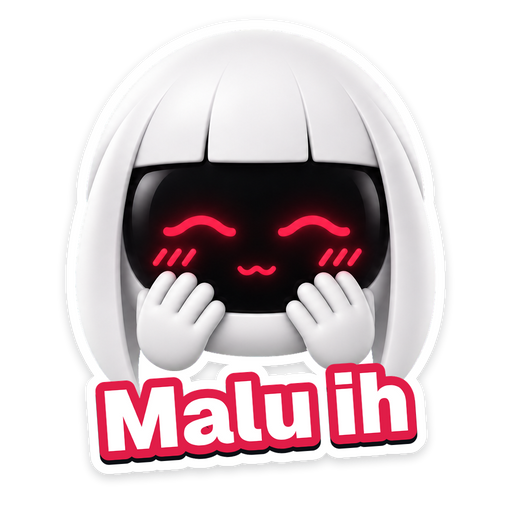
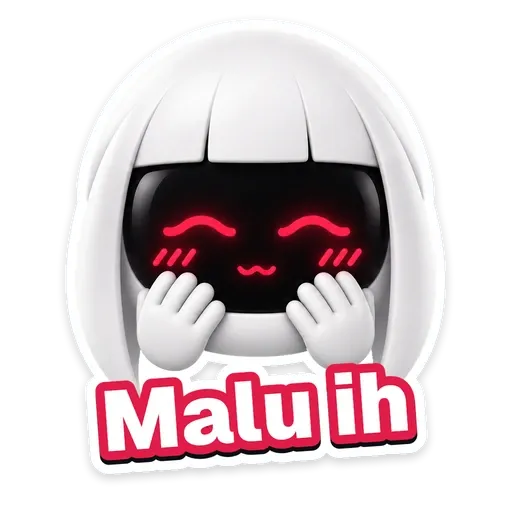 So shy, download PNG
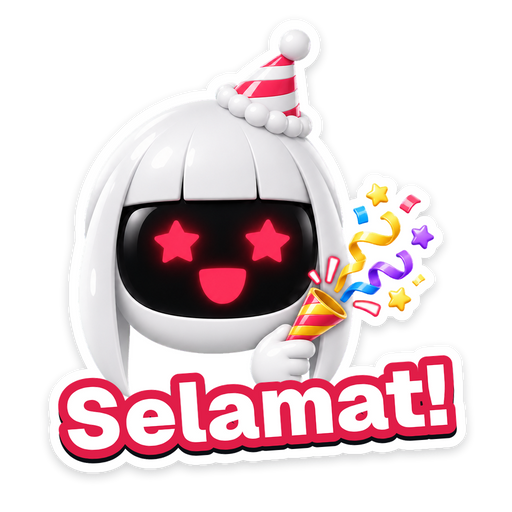
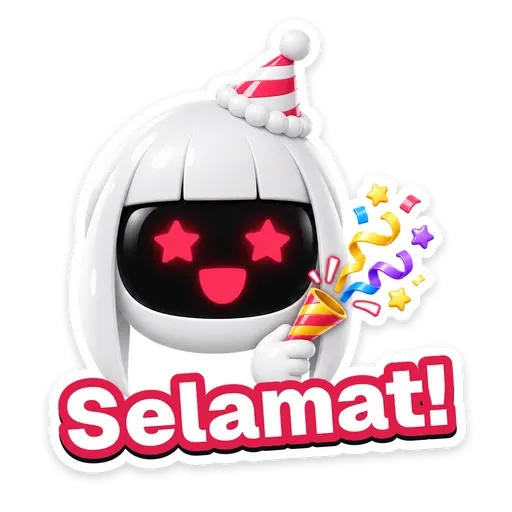 Congrats!, download PNG
 Let me check, download PNG
 One moment, download PNG
 Dizzy..., download PNG




















Add them to WhatsApp
Android
- Install Sticker maker from Google Play.
- Download the pack.
- Open the downloaded file with Sticker maker.
- Tap Add to WhatsApp.
iPhone
- Install Sticker Maker Studio from the App Store.
- Download the pack, then open it with Sticker Maker Studio.
- Tap Add to WhatsApp.
If the pack does not open, download the PNG files and add them to a new pack in the app.
WhatsApp on a computer
- Select a sticker above to download it.
- In WhatsApp Web or Desktop, open a chat and open the sticker panel.
- Select Create, then choose the image.
- Send the sticker, then add it to your favorites.
Sticker maker and Sticker Maker Studio are free apps from Viko & Co, not from Seira.
Get Seira news on WhatsApp
Follow the Seira channel for new releases, features, and tips.